1 · The 60-second answer
Open Settings, find your SIM menu (Network and internet, then SIMs on a Pixel; Connections, then SIM manager on a Samsung), tap Add eSIM, scan the QR code from your provider, and confirm. The profile downloads in under a minute.
Then the two steps most guides forget: set the new eSIM as your mobile data line, and turn Data Roaming on for it. A travel eSIM connects through partner networks, which Android files under roaming, so without that toggle it installs perfectly and never connects.
On a recent phone with a Ringo eSIM you can skip the QR altogether: the email has an install link that opens the installer in one tap.
2 · Before you start
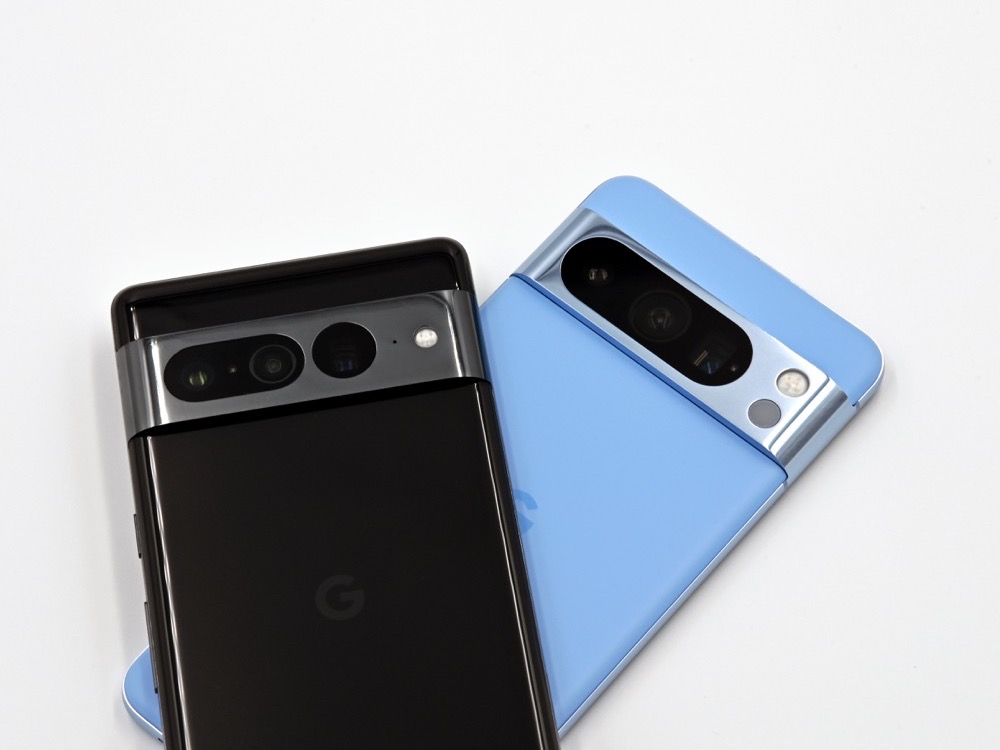
- A phone with an eSIM. Pixel 3 and later, Galaxy S20 and later, and most recent flagships. Dial *#06#: an EID on that screen means yes. Our has the exceptions.
- A phone that is not carrier locked. A locked phone refuses other carriers' profiles. Ask your carrier to lift it before the trip.
- Android 10 or later. Older versions have no eSIM menu at all.
- An internet connection. Wi-Fi is the safe choice. The profile is downloaded from the provider's server, so install at home, not at the gate.
- The email from your provider. Ringo's carries an install link, a QR code and the two codes for a manual install. Open it on the phone itself.
Install before you fly. The line can stay switched off until you land; what matters is that the download happened on good Wi-Fi.
3 · The one-tap way
Android has had a universal eSIM install link since 2025, the same idea as Apple's: a link that opens the phone's own eSIM installer with the activation code already filled in. It needs Android 10 or later and a recent version of Google Play services, which almost every phone updates on its own.
Ringo's delivery email has an Install on Android button. Open the email on the phone you are travelling with, tap it, confirm the download, and you are at step 4 of the manual route below with nothing typed. If nothing opens, the phone's Play services are behind or the phone is older; use the QR or the codes instead.
4 · Google Pixel, step by step
- Open Settings, then Network and internet.
- Tap SIMs (on older versions, Mobile network), then Add SIM or the plus sign.
- Choose Download a SIM instead or Download a new eSIM, then Next.
- Point the camera at the QR code. If the code is on the same phone, tap Need help or Enter it manually and type the two codes from the email.
- Tap Download, wait for the confirmation, then Settings or Done.
- Give the line a name (Ringo, Travel), then set it as the Mobile data SIM and keep your own SIM for Calls and SMS.
- Open the new SIM's own page and switch Roaming on.
Two signal bars in the status bar mean both lines are live. Switch the eSIM off from its page until you travel if you prefer.
5 · Samsung Galaxy, step by step
- Open Settings, then Connections.
- Tap SIM manager, then Add eSIM.
- Samsung searches for plans for a moment; choose Scan QR code, or Enter activation code to type it.
- Scan, then tap Add and wait for the download. One UI asks for your screen lock to confirm.
- Back in SIM manager, switch the new eSIM on and under Preferred SIMs set it for Mobile data, keeping your own SIM for calls and messages.
- Connections, then Mobile networks, and turn Data roaming on for the eSIM. On recent One UI versions the toggle sits per SIM.
6 · OnePlus, Oppo, Xiaomi and Motorola
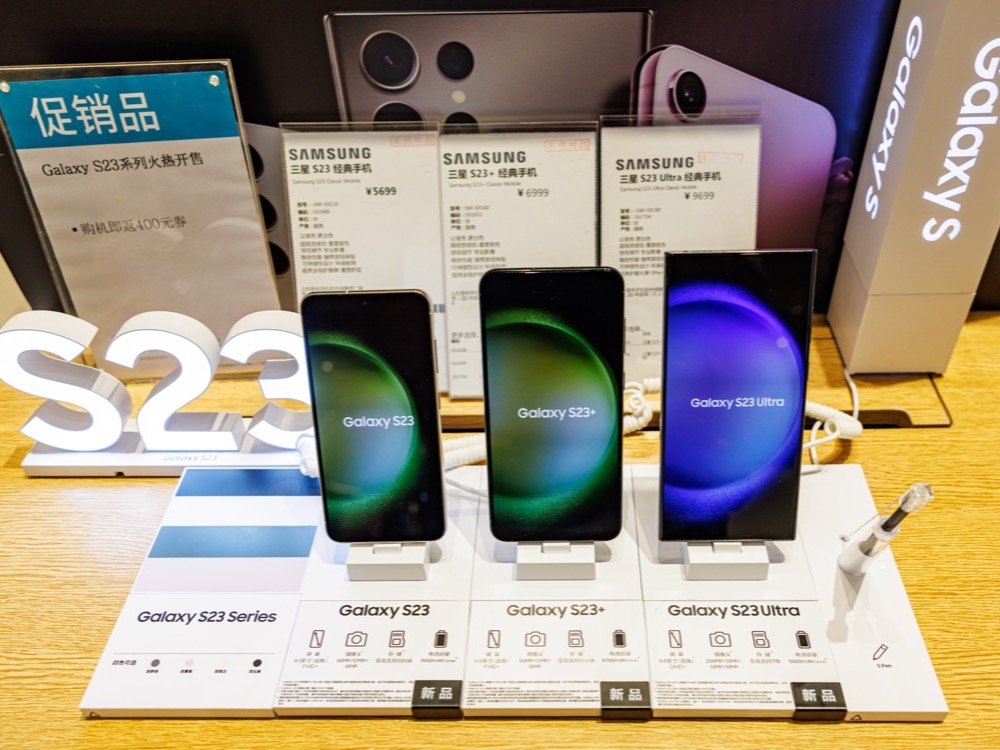
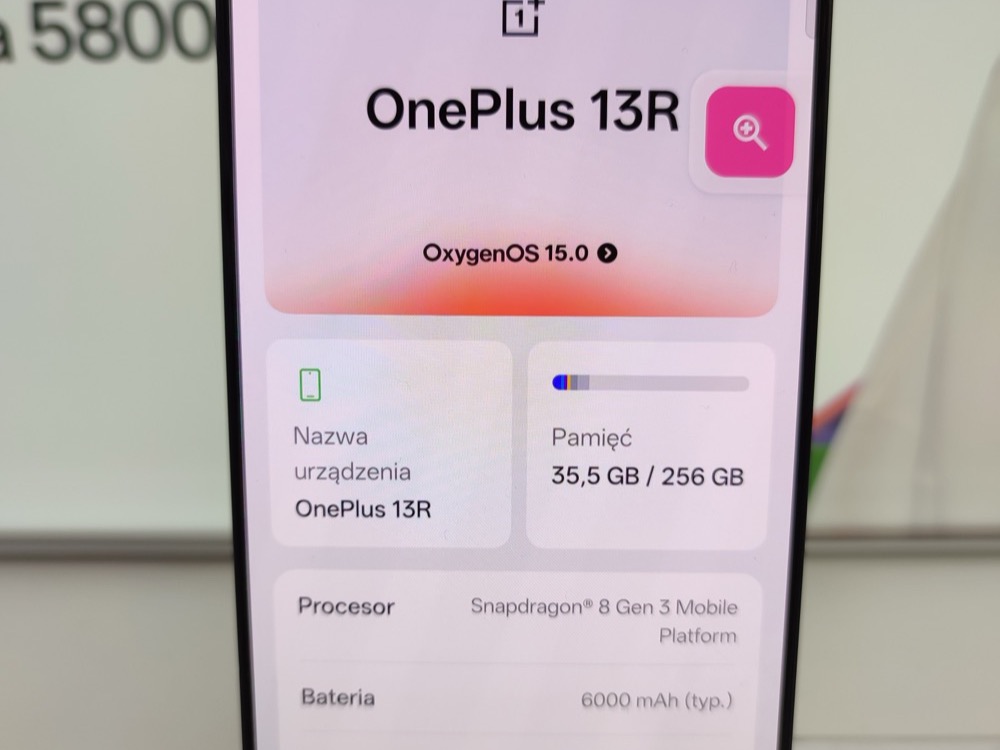
The other Android makers follow the same pattern with their own labels. Where the menu is, in the current software of each:
Swipe to compare →
If the label on your phone is different, the menu is always next to your SIM cards and always has a scan option and a manual one. After the download the two closing steps are identical everywhere: data line to the eSIM, roaming on for it.
7 · By hand, with the two codes
Every Android eSIM menu has a manual option, and it is the one to use when the QR code is on the same phone you are installing on. Your provider's email gives you two things:
- The SM-DP+ address, which looks like a web address. It names the server the profile downloads from.
- The activation code, a long string of letters and numbers.
Some phones ask for the two separately; some want the whole thing in one piece, starting with "LPA:1
quot;. Ringo's email prints it both ways. Copy and paste rather than typing; one wrong character and the server says the code is invalid.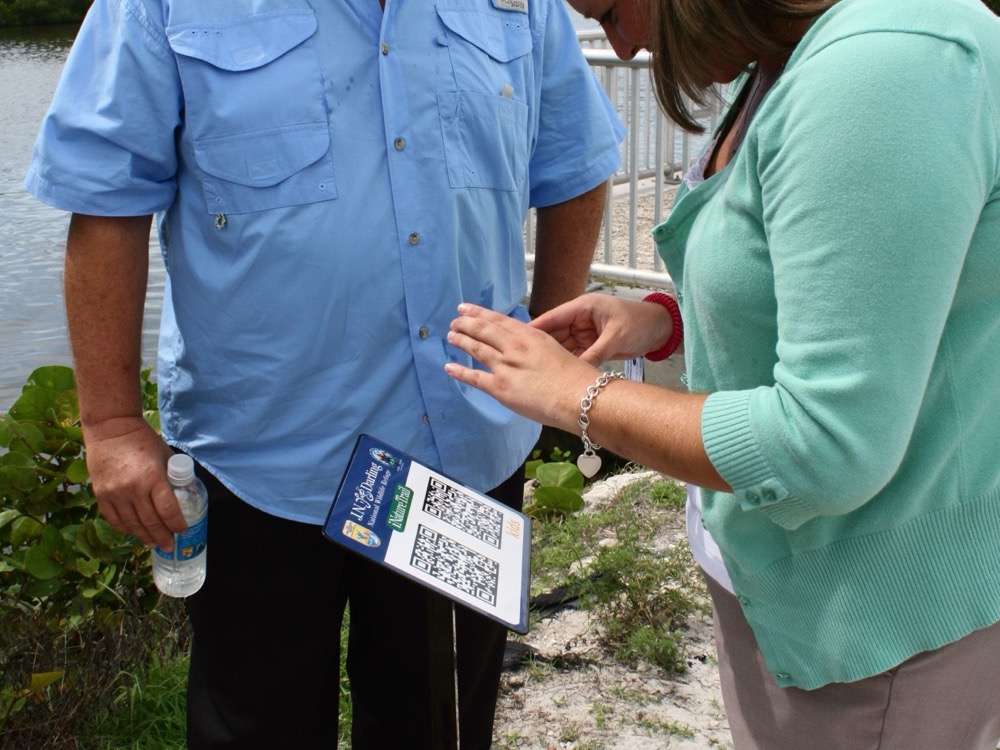
8 · After it installs: the two settings that matter
- Mobile data on the eSIM. In the SIM menu, set the new line as the data SIM. Leave calls and SMS on your own SIM, so your number keeps working and nothing you did not mean to use starts roaming.
- Data Roaming on, for the eSIM only. It sounds wrong and it is the step that makes a travel eSIM work. The eSIM connects to partner networks in each country, and Android treats those as roaming. Your own SIM's roaming can stay off.
When you land, turn airplane mode off and give the eSIM a minute to register. Your data starts the first time it connects, so an eSIM installed at home and left off costs nothing until the trip begins.
Do not delete it between trips. An eSIM profile installs once; the code is spent after the download. Switch the line off when you are home instead, and if you are changing phones, ask your provider before you remove anything.
9 · When it will not connect
- Installed, no signal. Data Roaming is off for the eSIM. Turn it on, then toggle airplane mode once.
- Signal, no internet. Mobile data is still set to your own SIM. Change the data SIM in the SIM menu. If the email named an APN, check it under the eSIM's Access point names.
- "Couldn't download" or "activation code invalid". A typo in a manual code, poor Wi-Fi, or a code already used once. Paste the code again on better Wi-Fi; if it was used, the provider has to issue a new profile.
- "This SIM can't be used with this phone." A carrier lock. Only the carrier that sold the phone can lift it.
- No Add eSIM option at all. Either the phone has no eSIM (dial *#06# and look for an EID) or the software is old. Update and look again.
- Connected on day one, gone on day two. The phone picked a partner network that lost the plan's agreement. Settings, the eSIM's network operators, switch automatic off, pick another network, then automatic back on.
On iPhone the menus differ but the logic is the same; the has those screens.