1 · The short answer

A mobile roaming policy for travelling staff fits on one page. It says who it covers, what to buy before a trip, what the company pays for and how to claim it, and four security rules: keep the work number on the work SIM, no admin logins on public Wi-Fi, lock the phone, report a lost one at once. The cheapest way to make it work is a data eSIM next to the work SIM: Ringo Light's Global plan is $49.99 a month for 133 countries and renews until you cancel, the one-payment trip plans have no contract, and every purchase comes with its own email receipt. The template is below, ready to copy; the plan is at ringoesim.com/global.

2 · Why write it down

Without a policy, each traveller does what they did last time: a day pass on the work SIM, a SIM card from the arrivals kiosk, or their personal phone and a claim nobody can check. The cost shows up late and in the wrong place, and the security side is left to luck: a work SIM swapped out for a week means login codes going nowhere, and a hotel Wi-Fi is where people sign in to the finance system because it is there.

A page fixes most of that. Nobody has to read a handbook; they need to know what to buy, how to get the money back, and three things not to do.

The glass entrance of Amsterdam Schiphol Airport under a blue sky, with the Schiphol sign above the doors
Schiphol. A policy is useful when it is short enough to read in the taxi on the way here.Photo: Amin, CC BY-SA 4.0

3 · What the policy should say

Who is covered. Everyone who travels for work, contractors on company business included. Say whether it covers personal days added to a work trip; most companies leave those to the traveller.

What to buy before the trip. A data eSIM for the countries on the itinerary, bought and installed at home on Wi-Fi a few days before. Say who decides between a trip plan and a monthly plan, and that the phone must be eSIM-capable and not carrier-locked. Our guide to which phones support eSIM has the check.

What to expense. The eSIM for the length of the trip, paid with the company card where there is one. Say where receipts go and by when. Leave amounts out of the template until finance has set them.
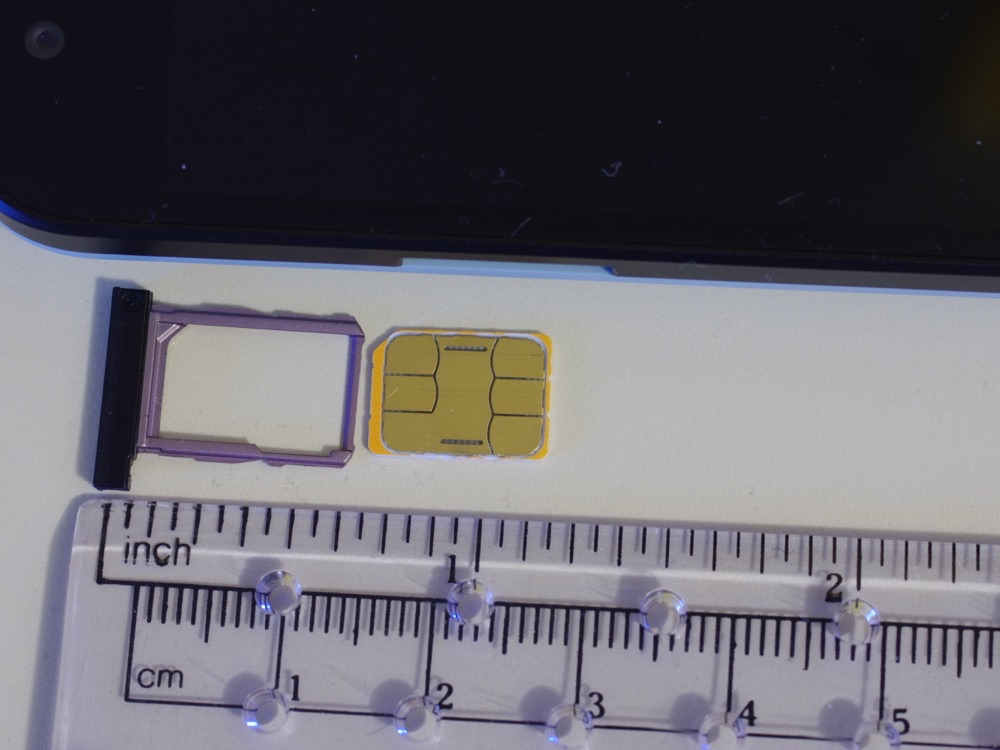
A nano SIM card next to its tray, on a ruler marked in inches and centimetres
A nano SIM and its tray. An eSIM means there is no card like this to lose, swap at a kiosk or leave in a hotel room.Photo: BwDraco, CC BY-SA 3.0

Security. Four rules cover most of it.

  • Keep the work number on the work SIM. Login codes and calls from clients keep arriving. With an eSIM for data, the work SIM never comes out of the phone. Our dual SIM guide has the settings.
  • No admin logins on public Wi-Fi. Hotel, airport and café networks are shared with strangers. Admin, finance and customer systems go over mobile data or the company VPN.
  • Lock and update the phone. A PIN or biometrics, and the latest updates before the trip.
  • Report a lost phone at once, to a named person, so access can be blocked.

A woman in a café holding a coffee and a smartphone, with a laptop on the table beside her
The café Wi-Fi is fine for the news. For the finance system, the phone's own data or the VPN.Photo: Shixart1985, CC BY 2.0

4 · The template

Copy it, replace the brackets, and put it where people look before a trip. It names no provider; it works with any data eSIM.

The template
Mobile data abroad: policy for travelling staff

1. Who this covers
Everyone who travels outside [home country or region] for work, including contractors on company business.

2. Before the trip
Check that your phone supports eSIM and is not carrier-locked.
Buy a data eSIM for the countries on the trip at least [number] days before you leave, and install it on Wi-Fi at home or in the office.
If you travel every month, ask [name or role] whether a monthly plan is the better fit.

3. On the trip
Keep your work SIM switched on for calls, texts and login codes. Turn data roaming off on the work SIM and use the eSIM for data.
Do not buy day passes on the work SIM, and do not buy local SIM cards unless the eSIM does not work and [name or role] agrees.

4. What the company pays for
The data eSIM for the length of the trip, and any top-up the trip needs.
Pay with the company card where you have one; otherwise pay yourself and claim it back within [number] days.
Forward every receipt to [email address] with the trip name.

5. Security
Lock your phone with a PIN or biometrics and keep it updated.
Do not sign in to admin, finance or customer systems on public or hotel Wi-Fi; use your own mobile data or the company VPN.
If your phone is lost or stolen, tell [name or role] at once so access can be blocked.

6. Questions
Ask [name or role].

5 · How Ringo Light fits in

Ringo Light is our own data eSIM, installed once next to the work SIM. It does not carry calls or texts and does not move a number; that is what the work SIM is for. Three things make it easy to write into a policy.

  • A receipt for every purchase. Each eSIM and each monthly Global payment is a card payment through Stripe, with its own receipt by email. The traveller forwards it; finance has one receipt per trip.
  • No contract for trip plans. Regions and countries are trip plans: 2 weeks or 30 days, nothing that renews. The Europe plan, for example, covers 33 countries, 2 weeks for $22.99 or 30 days for $35.99.
  • Global renews month to month. For staff who travel every month: $49.99 a month for 133 countries, unlimited data at full speed, renewing until you cancel. ringoesim.com/global
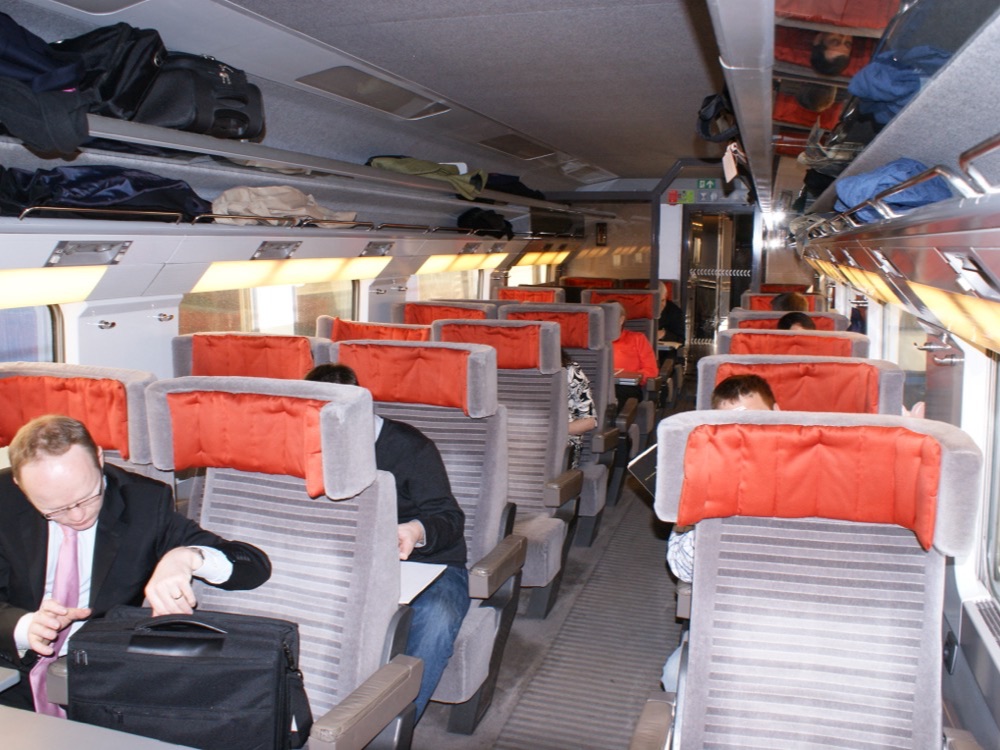
A passenger with a laptop bag at his seat in a first-class Eurostar coach
A first-class Eurostar coach. London to Paris or Brussels crosses from the UK into the EU, two different roaming worlds for a work SIM.Photo: Hugh Llewelyn, CC BY-SA 2.0

6 · What a month costs

Our comparison of global eSIMs priced the brands most people search for on the same day, 28 September 2026. Here is Ringo Light against the cheapest rival in that chart.

Swipe to compare →

ChartRingo LightNext cheapest

Prices change; the comparison post has every brand and the full method. If an eSIM does not connect on arrival, our twelve fixes for an eSIM not working abroad are worth linking from the policy.

7 · Buying for a team?

Buying for a team? Write to us through the contact form. Today each eSIM is bought on the site, by the traveller with the company card or by the office, which forwards the install email to the traveller.


8 · Frequently asked questions

What should a mobile roaming policy for staff say?+
Who it covers, what to buy before the trip and how, what the company pays for and how to claim it, and the security basics: keep the work number on the work SIM, no admin logins on public Wi-Fi, and what to do if the phone is lost. One page is enough; the template in this article is a starting point to edit.
Is an eSIM more secure than a local SIM card for staff abroad?+
It removes some risks. There is no plastic card to lose, swap or hand over at a kiosk, and the work SIM never leaves the phone, so login codes keep arriving on the usual number. It does not make the phone itself safer: the screen lock, the device management and the rules on public Wi-Fi still matter.
Which Ringo Light plan fits a company policy?+
The Global plan for staff who travel every month: $49.99 a month for 133 countries, unlimited data at full speed, renewing until you cancel. One-payment trip plans with no contract for the occasional trip, for example the Europe plan at 2 weeks for $22.99 or 30 days for $35.99. Each purchase is a card payment with its own email receipt.
Should staff turn data roaming off on their work SIM?+
Yes, on the work SIM line, with the travel eSIM set as the mobile data line and its own data roaming on. The work SIM stays switched on for calls, texts and codes. Calls and texts on the work SIM abroad are still billed by the work carrier at its roaming rates.
Does the employee keep their work number?+
Yes. Ringo Light is a data-only eSIM that sits next to the SIM already in the phone. The work SIM keeps the number for calls, texts and login codes; the eSIM carries the data. Ringo Light does not carry calls or texts and does not move a number; the full Ringo service, which will, is still being built.
Can we set this up for the whole team?+
Buying for a team? Write to us through the contact form at ringoesim.com/contact. Today each eSIM is bought on the site, by the traveller with the company card or by the office, which forwards the install email.